CARE & HANDLING
How to Dust Diecast Cars Without Adding Scratches
A cautious dry-cleaning routine for diecast models: inspect first, choose simple tools, brush loose dust outward and recognize when to stop.
QUICK ANSWER
Inspect the model under good light for cracks, lifting paint, tacky surfaces and loose parts before touching it. If the surface is stable, support the base and use a clean, very soft brush to lift loose dust outward with almost no pressure. Do not treat cloth rubbing, household cleaners or solvents as universal solutions. If dry dusting does not work, stop rather than escalating the method.
- Photograph and inspect the model before cleaning.
- Support the base; never lift by mirrors, spoilers or moving parts.
- Use a clean, very soft brush and move loose dust outward.
- Keep suction and airflow weak, distant and controlled.
- Stop at tackiness, lifting decoration, powdering or attached deposits.
Preventing new damage matters more than making it shine
A diecast model combines paint, printed decoration, clear plastics, tires, plated-looking parts and adhesive joints in a very small area. One method is not automatically safe for every component. The Canadian Conservation Institute (CCI) explains that on degraded, tacky plastic surfaces, cleaning to remove adhered particles and dust can itself cause further damage, and that degraded plastics are more vulnerable to water.[1]
The aim of routine home care is not to restore a factory-fresh gloss. It is to remove only loose dust from a stable surface. A remaining mark is often safer than stronger action that introduces scratches, gloss change or lost decoration.
Spend the first two minutes looking, not touching
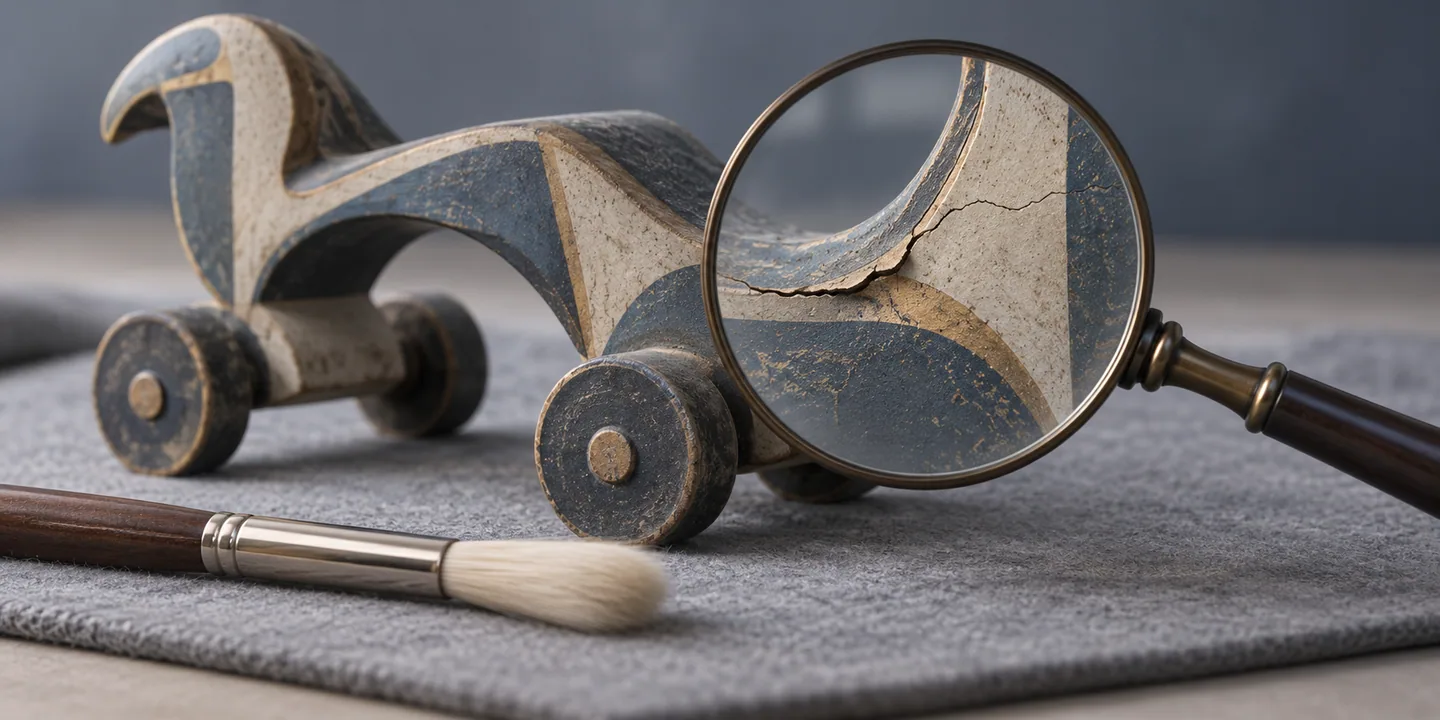
Place the model on a plain, cushioned mat under good light. Photograph all sides and the base. Low raking light can help separate loose dust from changes in the surface itself.
CCI handling guidance recommends checking cracks, joins and painted areas before moving an object, supporting it from below and never lifting it by projecting features. On a model, that means supporting the base rather than using a mirror, antenna, spoiler or opening panel as a handle.[2][1]
- Look for lifting paint or printed decoration.
- Check clear parts for fine cracks or whitening.
- Notice tackiness on tires or plastic surfaces.
- Check mirrors, antennas, axles and opening parts for looseness.
- Ask whether a pale deposit is really dust rather than corrosion or material change.
Use fewer tools, and keep them clean
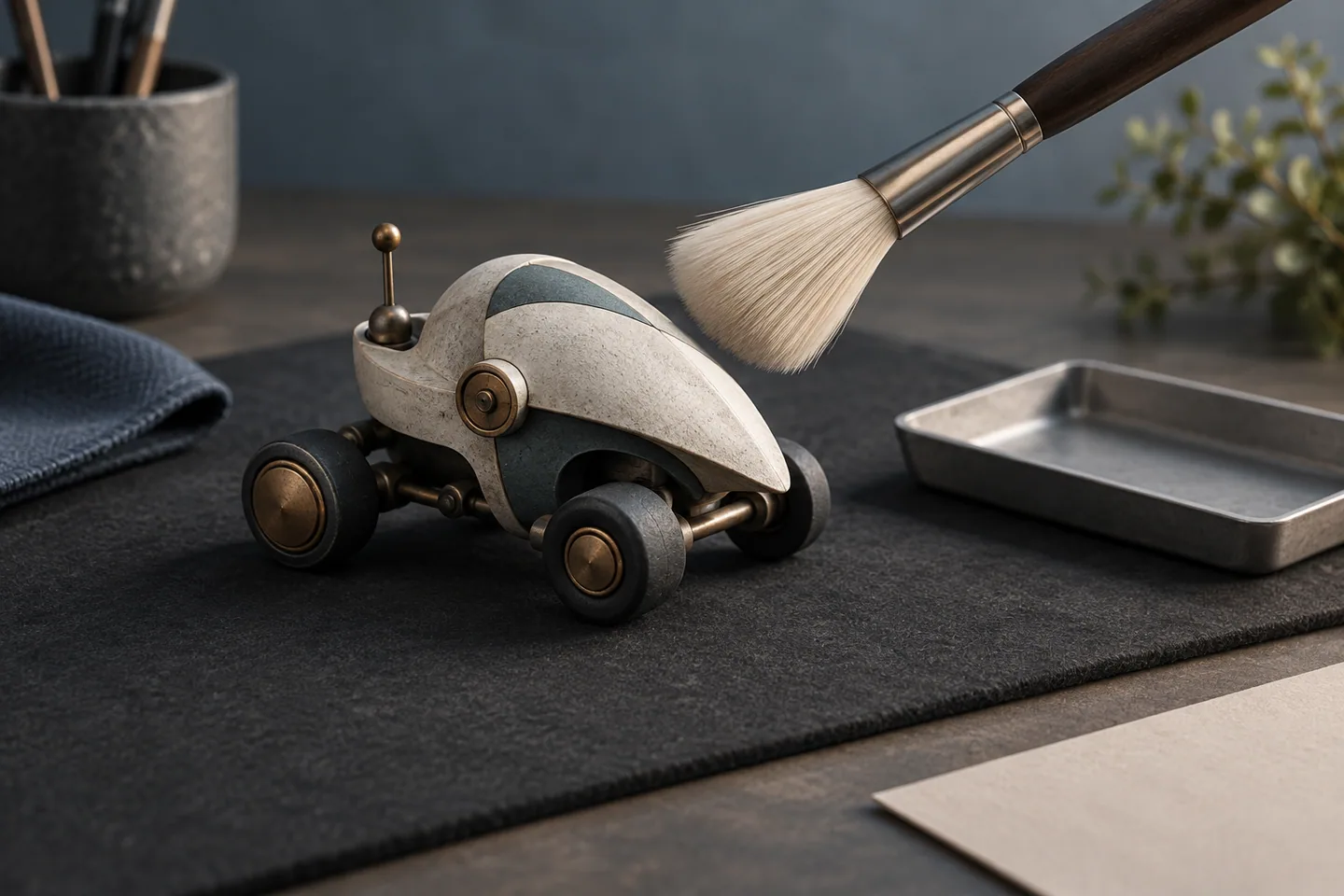
A clean, extremely soft artist brush, a hand bulb blower, a small parts tray and a camera are enough for routine work. Dedicate the brush to this task, do not touch its bristles, and never share it with cosmetics, paint or model oil.
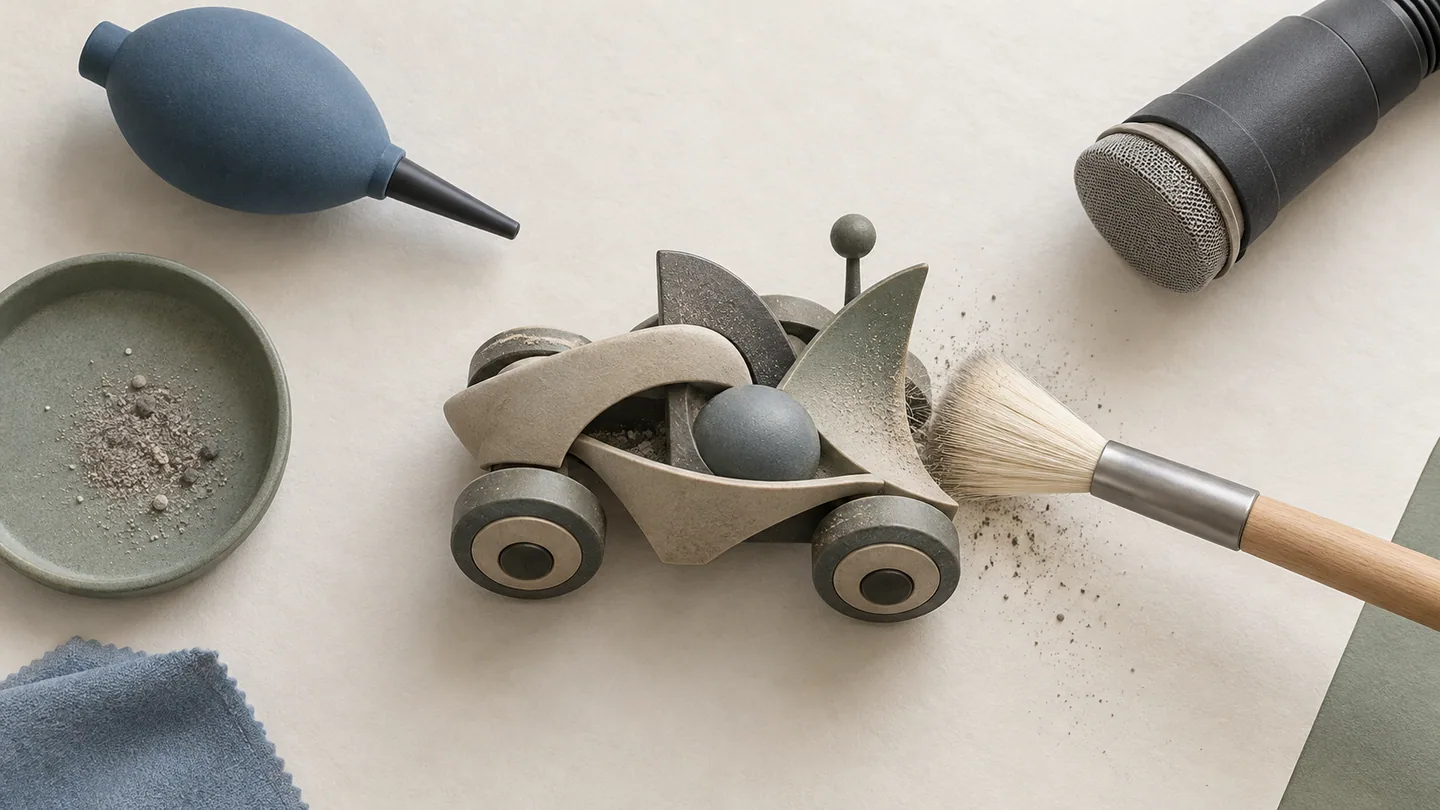
If suction is used, choose a controllable low setting, cover the nozzle with fine mesh and keep it away from the model so that it only provides a destination for released dust. CCI guidance describes lifting particles with a soft brush toward a screened, reduced-suction nozzle rather than vacuuming the object itself.[3][4]
Dry dusting should be light, outward and repeated
Stabilize the base with one hand and begin at the top. Do not lay the brush flat and drag it across the finish. Use short, light lifting movements and work from the roof and glazing toward the hood and outer edges. Several gentle passes are safer than trying to finish in one stroke.
Do not force the brush into grilles, wheel wells or trim. If a hand blower is needed, keep it far enough away that small parts cannot move, and never blow by mouth. CCI photographic-care guidance notes that blowing by mouth can deposit tiny droplets of saliva and instead describes clean airflow and soft brushes.[5]
Rubbing back and forth with a dry cloth can drag hard particles, catch projections and alter gloss. Even on broad stable surfaces, release loose particles with a brush before considering any wiping.
Water, alcohol and detergent are not universal answers
CCI explains that solvents and surfactants can dissolve certain plastics or extract additives from others. Because the material and coating system of a finished model may be unknown, do not apply household cleaners, alcohol, abrasive products or wax across the whole object as a generic fix.[1]
Clean the display case separately from the model. CCI notes that abrasive household products can scratch acrylic, some solvents can cause fine crazing, and cleaning can create static that attracts dust. Move the model to a safe place, use a method appropriate to the case material, and let the case dry completely before returning it.[6]
Stop and document these conditions
Stop if color transfers to the brush, the surface powders, paint or decals lift, plastic or tires feel tacky, or a pale deposit repeatedly returns. These conditions are outside ordinary dusting. Photograph the location, note the storage conditions and any odor change, and isolate the model from nearby items while you observe it.
Do not assume that more force will solve the problem. For valuable, old or actively changing pieces, consider seeking advice from a qualified conservation professional.
A five-minute routine for display rotation
- Take one before photograph from each side.
- Support the base and inspect paint, glazing, projections and tires.
- If stable, use a soft brush from the top outward.
- Check the work mat for a detached part or transferred color.
- Return the model only when every part is stable.
- Record the date and any change in the collection catalog.
NOTE — This guide covers general removal of loose dust from stable commercial models. Materials, coatings and ageing states vary, so it does not guarantee a safe treatment for attached grime or deterioration.
Frequently asked questions
Can I use canned air on a diecast model?
A strong jet can dislodge small parts, while a tilted can may release liquid and chill the surface. Use a clean soft brush as the default. If airflow is needed, use a hand bulb blower weakly and from a distance.
Can I wipe the model with disinfecting alcohol?
It is not a safe general method. Paint, printing, clear plastic, adhesive and tires may respond differently. If dry dusting does not remove a mark, stop until the material and condition can be assessed.
How often should I clean a collection?
Do not clean to a fixed calendar. Inspect during display rotation and remove dust only when needed. A closed case or storage box that reduces dust is safer than repeatedly cleaning the surface.
Sources and editorial policy
Reference links are listed below with the date used for this article. Linked pages may later change or move.
- Canadian Conservation Institute — Caring for plastics and rubbers – Preventive conservation guidelines for collections (checked: 2026.10.21)
- Canadian Conservation Institute — Handling heritage objects – Preventive conservation guidelines for collections (checked: 2026.10.21)
- Canadian Conservation Institute — Caring for basketry and plant materials – Preventive conservation guidelines for collections (checked: 2026.10.21)
- Canadian Conservation Institute — Care and Cleaning of Unfinished Wood – CCI Notes 7/1 (checked: 2026.10.21)
- Canadian Conservation Institute — Care of Plastic Film-based Negative Collections – Technical Bulletin 35 (checked: 2026.10.21)
- Canadian Conservation Institute — Cleaning Glass and Acrylic Display Cases – CCI Notes 1/2 (checked: 2026.10.21)
Factual claims are checked against the sources listed above. We do not invent hands-on impressions of products we do not own. This independent publication is not affiliated with any manufacturer.