DAILY PHOTOGRAPHY GUIDE
How to keep miniature-car color consistent in smartphone photos
A repeatable smartphone workflow for keeping light, exposure, white balance and reflections consistent when photographing 1/64 miniature cars.
QUICK ANSWER
The quickest route to consistent color is to reduce changing conditions rather than add more correction. Do not mix window light with a different room lamp; choose one light family and diffuse it from both sides. Fix the phone, background, model and lights, then include a blank gray card in the first frame. Lock exposure and white balance when the camera app supports it; otherwise finish the series without changing the light. Lower exposure until bright paint and plated details retain texture, avoid color filters, and compare the final image with both the model and the neutral reference. This is a repeatable collection record, not laboratory color measurement.
- Use one light family instead of mixing window light and room lamps
- Fix the positions of the phone, background, miniature and lights
- Include the same blank neutral card in the first frame of each session
- Set exposure by watching the brightest paint or plated detail
- Keep comparison edits restrained and identical across a series
Aim for comparable conditions, not absolute color measurement
The same photograph can look different on another screen, under another room light or on another viewer’s device. Instead of treating a phone as a color-measuring instrument, prioritize a setup that lets you compare this session with the next one.
Keeping the device, background, light positions and editing approach constant makes it easier to decide whether a visible difference comes from the photography or from the miniature itself.
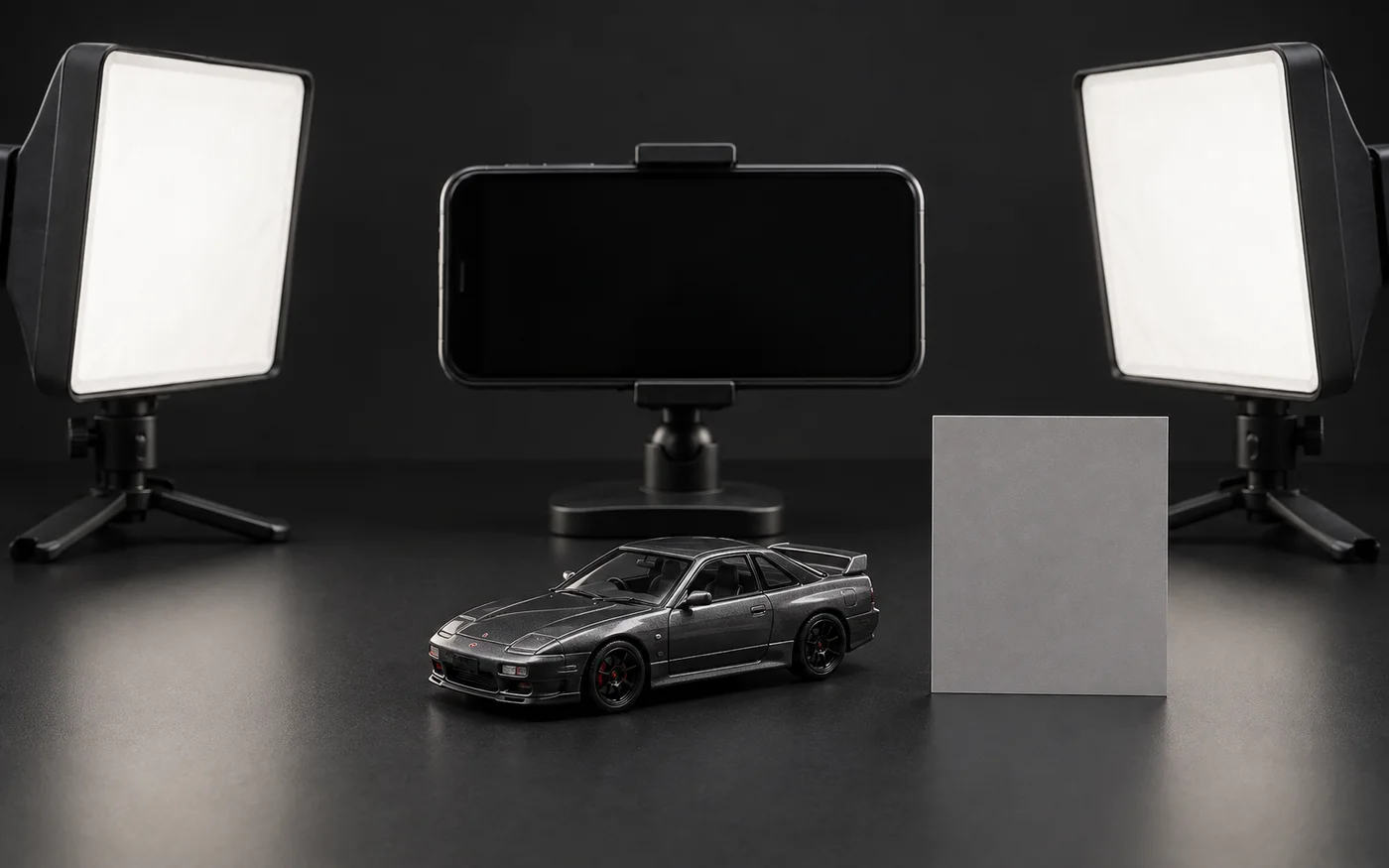
1. Choose one light family and make it broad and soft
A window on one side and a ceiling lamp on the other can give opposite sides of the body different color casts. If you use daylight, turn off competing room lights. If you use photo lights, close the curtain or work after the daylight has been excluded.
A small hard light creates sharp, distracting highlights. Passing light through white paper or a suitable diffuser creates a larger reflected shape that can reveal metallic grain and body curvature more clearly. Keep paper and fabric safely away from any hot light source.
2. Keep a blank neutral reference in the first frame
Place the same plain gray or white card beside the car and make one reference photograph before the main sequence. It does not certify a paint code; it simply helps reveal a large change in light color or brightness between sessions.
Low-gloss card is easier to use than shiny paper because it produces less glare. Replace it if it becomes stained or yellowed, and note the date so the new reference is not confused with the old one.
3. Set exposure where the brightest detail still has shape
If white paint, plating or a window reflection becomes a featureless white patch, reduce brightness slightly on screen. Preserving the form of bright areas usually creates a more useful comparison record than trying to lift every dark recess.
When the camera app permits it, focus on the model and lock exposure before shooting the sequence. Names and controls vary by device. If locking is unavailable, do not change the composition or light and finish the set within a short period.
4. Hold white balance steady and do not swap backgrounds mid-series
Automatic white balance is useful, but its decision can shift when a red car is replaced by a blue one or a white background by a black one. Use the same fixed setting when the app provides it; otherwise consistency of light and background becomes even more important.
If sunlight changes noticeably during the session, do not force the earlier and later frames into one comparison set. Mark the break and start again with a new neutral-reference photograph.
5. Shape reflections instead of trying to remove them
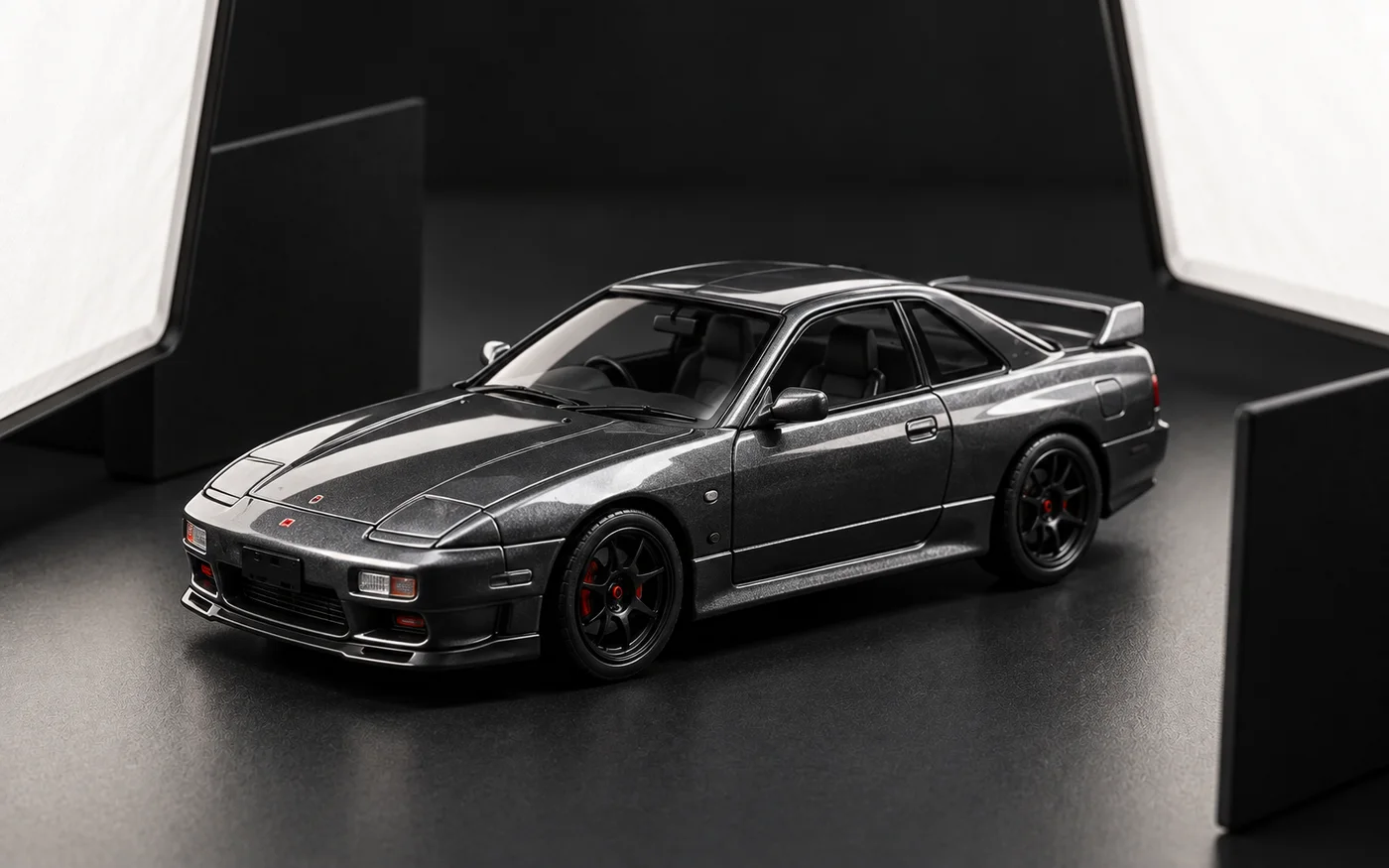
Gloss paint reflects lights, windows, the phone and the room. Rather than eliminating every reflection, let a broad white diffuser create a clean soft band across the curve, then place a black card nearby when an edge needs clearer separation.
Moving the miniature repeatedly changes the comparison angle. Fix the phone and car first, then adjust only the lights and white or black cards. Leave enough clearance that no card can touch a mirror, antenna or spoiler.
6. Check the model, neutral card and previous record together
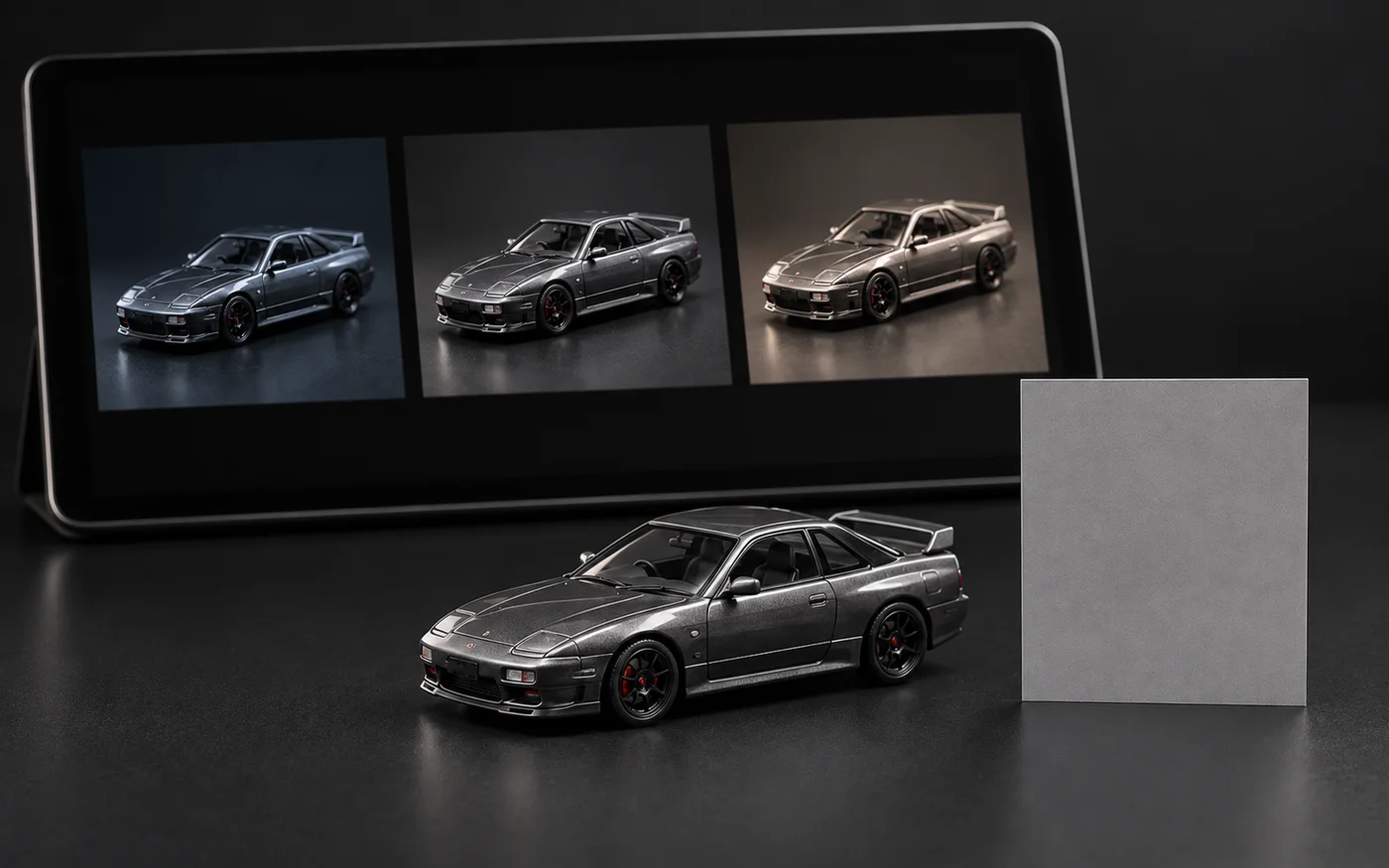
Immediately after shooting, compare the screen with the model under the same light. Then check whether the neutral card looks strongly blue or yellow, and finally compare the overall brightness and background character with the previous record from the series.
If editing is needed, keep cropping, brightness and color-temperature adjustments restrained and apply the same approach to every comparison frame. A highly saturated social image can be attractive, but it should be saved separately from the reference record.
- Clean the lens and confirm the position marks for phone and miniature
- Capture one frame with the neutral card and one without at the same exposure
- Keep the front three-quarter, side and rear three-quarter sequence unchanged
- Note the light, background, exposure-lock status and any edits
- Store expressive social images separately from comparison records
Frequently asked questions
Is a white or black background more accurate?
Neither is always more accurate. Automatic exposure and white balance can respond to the background, so consistency matters more: choose one and keep it through the comparison series.
Do I need a professional gray card?
No for this basic workflow. The same low-gloss blank card can serve as a visual reference for changes between sessions, but it should not be treated as laboratory calibration.
Should I disable every automatic camera adjustment?
A fixed setting is useful when available, but phone features differ. If controls cannot be locked, keep light, background and framing unchanged and shoot the sequence promptly.
Can I increase saturation for social media?
Yes as an expressive version, but save it separately. Comparison records should share the same restrained editing approach and clearly distinguish strong color treatment from the reference image.
About this note
This practical note is built around a repeatable observation or collection workflow and does not depend on a current product announcement. Any future addition involving release dates, specifications or news will identify its supporting source.
The procedure is presented as practical guidance, not as a universal product specification. We do not invent hands-on impressions of products we have not examined.