DAILY COLLECTION GUIDE
A simple location system for a 1/64 diecast collection
A practical way to connect containers, zones and overview photographs so that miniature cars remain easy to find without building an elaborate database first.
QUICK ANSWER
Give each storage location a short address such as Shelf A, Box 03, Zone 2. Put removable markers on the container, not on the miniature or its original packaging. Begin each item record with only four fields: vehicle name, a short distinguishing note, location address and record date. Whenever the arrangement changes, take one overhead photograph of the whole container and include its address and date in the file name. A system that tells you exactly where to look is more useful than a detailed catalog that cannot locate the physical model.
- Describe each location in three levels: shelf, container and zone
- Attach removable markers to storage furniture, never directly to a model or original pack
- Start each item record with name, distinguishing note, address and date
- Photograph the whole container after rearranging it
- Design addresses around the order in which you physically search
The goal is not a perfect catalog—it is finding a car in 30 seconds
More data does not automatically create a better collection system. Manufacturer, model, color and release-year fields may be complete, yet they do not help if the physical car cannot be found. Begin with one target: getting close to the wanted item within 30 seconds.
That requires a physical address before it requires a taxonomy. Convert the order in which your hands move—shelf, container, then zone inside the container—into a short code.
1. Build an address from shelf, container and zone
For example, A-03-2 can mean Shelf A, Box 03, Zone 2. Even if you own only one cabinet, starting with a shelf letter leaves room for the collection to expand without rebuilding every address later.
Do not begin by numbering every individual slot. Use visible zones such as left, center and right, or upper and lower layers. If the address becomes difficult to remember, the location system is probably too granular.
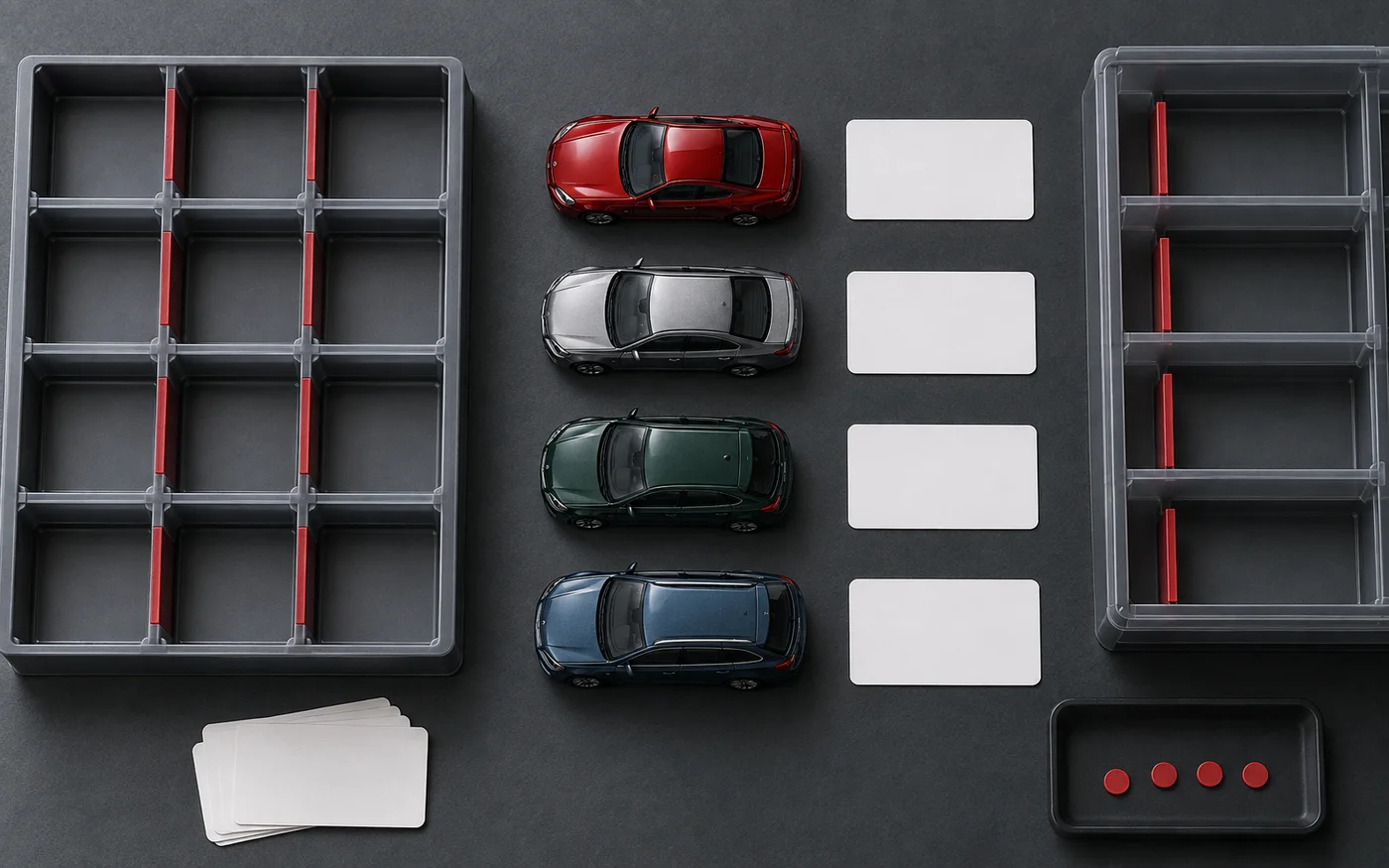
2. Mark the container, not the miniature
Adhesive labels can affect paint, clear parts, card stock and blister packaging. Put location labels on the storage box, drawer or a replaceable divider rather than directly on the miniature or its original packaging.
Make the container number large and use simple shapes or colors for internal zones. Do not rely on color alone; a number or shape remains readable in a dark cabinet and in monochrome reference photographs.
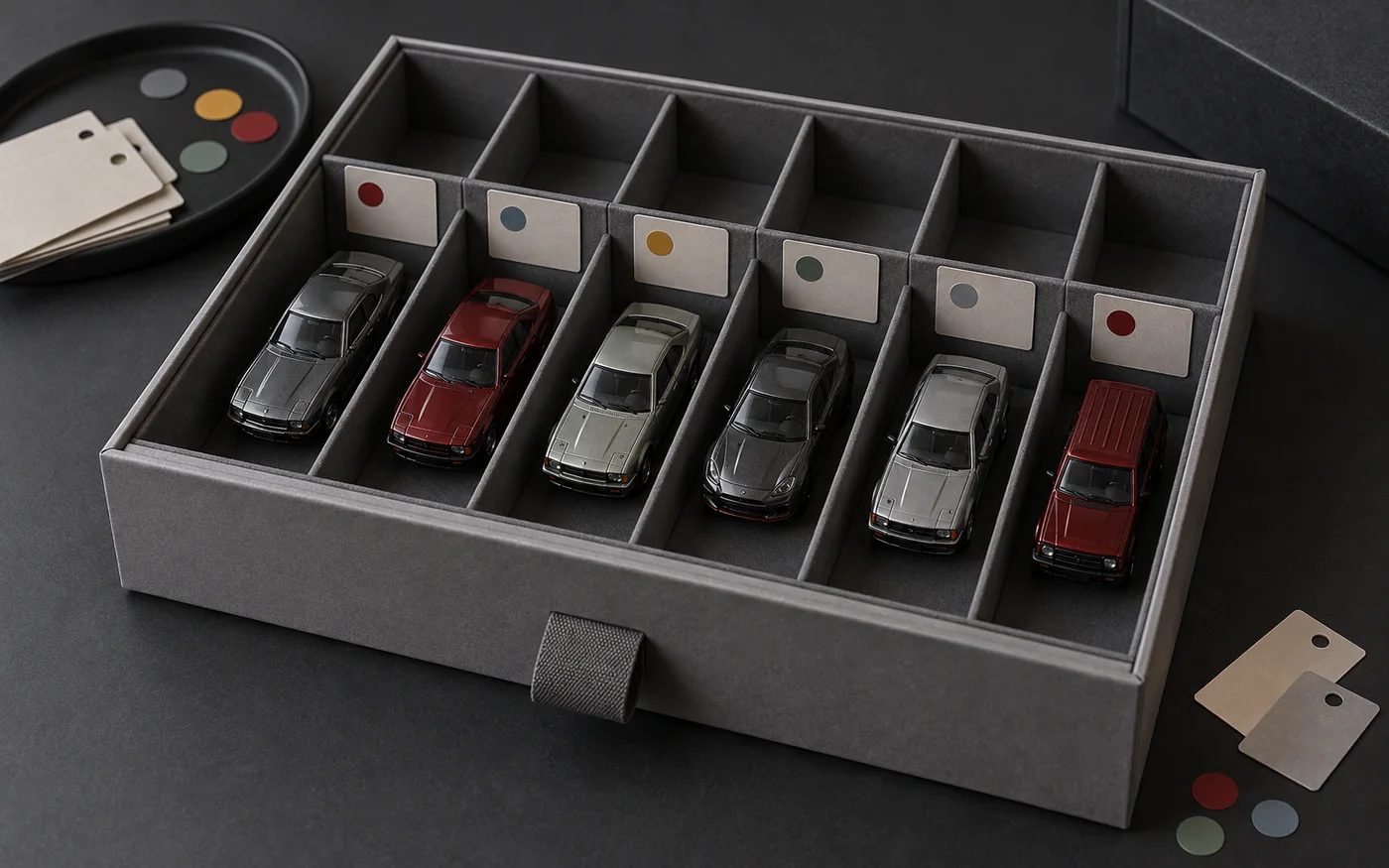
3. Record only four fields per item at first
Start with the vehicle name, one short distinction, the location address and the record date. A distinction such as “red, loose” or “blue, carded” only needs to separate cars that you could otherwise confuse.
It is fine to leave scale, release year or other unverified facts blank. Add them after checking an official source or the packaging instead of turning a guess into a permanent record.
4. Use one overview photograph as a location map
Open the container and take one overhead image that shows which item occupies each zone. It does not need the detail of an individual review photograph; it only needs to make the arrangement legible without overlapping vehicles.
A file name such as A-03_2026-09-24 is easy to search. Retake the overview only after the arrangement changes rather than photographing every miniature again during each check.
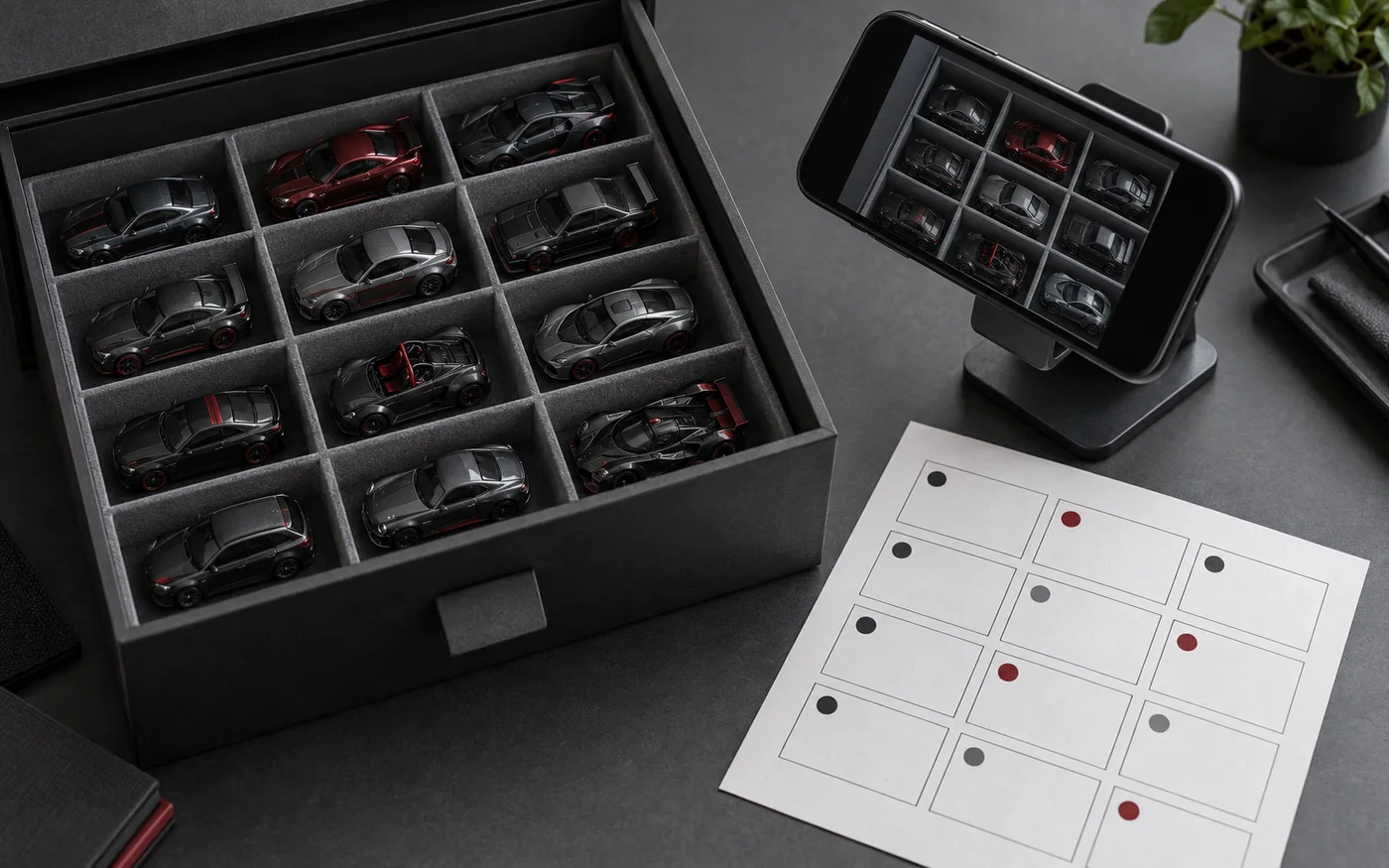
5. Move in this order: write the new address, move the car, take the photo
Moving several cars before updating the record mixes old and new locations if the task is interrupted. Write the destination first, move one model at a time, then update the whole-container photograph at the end.
Give temporary work a fixed address such as TEMP. Models left on a photography table can then be recognized as work in progress rather than missing items.
6. Once a month, check only gaps and mismatches
A complete recount is unnecessary. Once a month, look for empty zones, duplicate addresses, items without addresses and major differences between the latest overview photograph and the physical box.
If the system becomes difficult to maintain, shorten the addresses and reduce the fields. A useful catalog should protect the time you spend enjoying the collection, not consume it.
- Can you read every shelf and container number?
- Has one address been assigned to more than one item by mistake?
- Has anything remained in the temporary zone for too long?
- Was the overview photograph updated after the last rearrangement?
- Can empty zones be seen before the next purchase?
Frequently asked questions
Do I need a spreadsheet or dedicated app?
No. Paper, a notes app or a simple table can all work. Consistent location codes and searchability matter more than the software.
Should I divide boxes by manufacturer or by vehicle type?
Choose the category that comes to mind first when you search. Keep the physical address independent from the category name so that a box can change purpose without changing its number.
Can the same system manage carded models?
Yes. Put the address on the outer storage container instead of the card or blister. When packages vary greatly in thickness, a box-level address may be more practical than individual slots.
Is it acceptable for product names to appear in my location photographs?
Identification is the purpose of a private record. Before publishing an image, separately check that it does not reveal personal information, receipts, addresses or other unnecessary details.
About this note
This practical note is built around a repeatable observation or collection workflow and does not depend on a current product announcement. Any future addition involving release dates, specifications or news will identify its supporting source.
The procedure is presented as practical guidance, not as a universal product specification. We do not invent hands-on impressions of products we have not examined.